
🌍 Regional Support
This feature fully supports sellers operating in:
Malaysia (MY)
Philippines (PH)
Singapore (SG)
💡 Why Use This?
Manage All Cancellation requests under 1 platform: View all incoming cancellation requests from TikTok Shop and Shopee in one place.
Auto Stock Update after cancellation approval: Approved cancellations automatically trigger inventory updates in Zetpy, making that stock available for other buyers immediately.
Prevent Accidental Fulfillment: Sellers will no longer accidentally process or ship orders that have a pending cancellation request, saving you from unnecessary shipping fees and lost stock.
📌 How Cancellation Works (Important)
Platform | When Approval Needed? | Details |
|---|---|---|
TikTok | When the order status is New, | If the order is already Ready to Ship, |
Shopee | When the order status is Ready to Ship, | If the order is still New, |
Step 1: Go to the Cancel Request Page
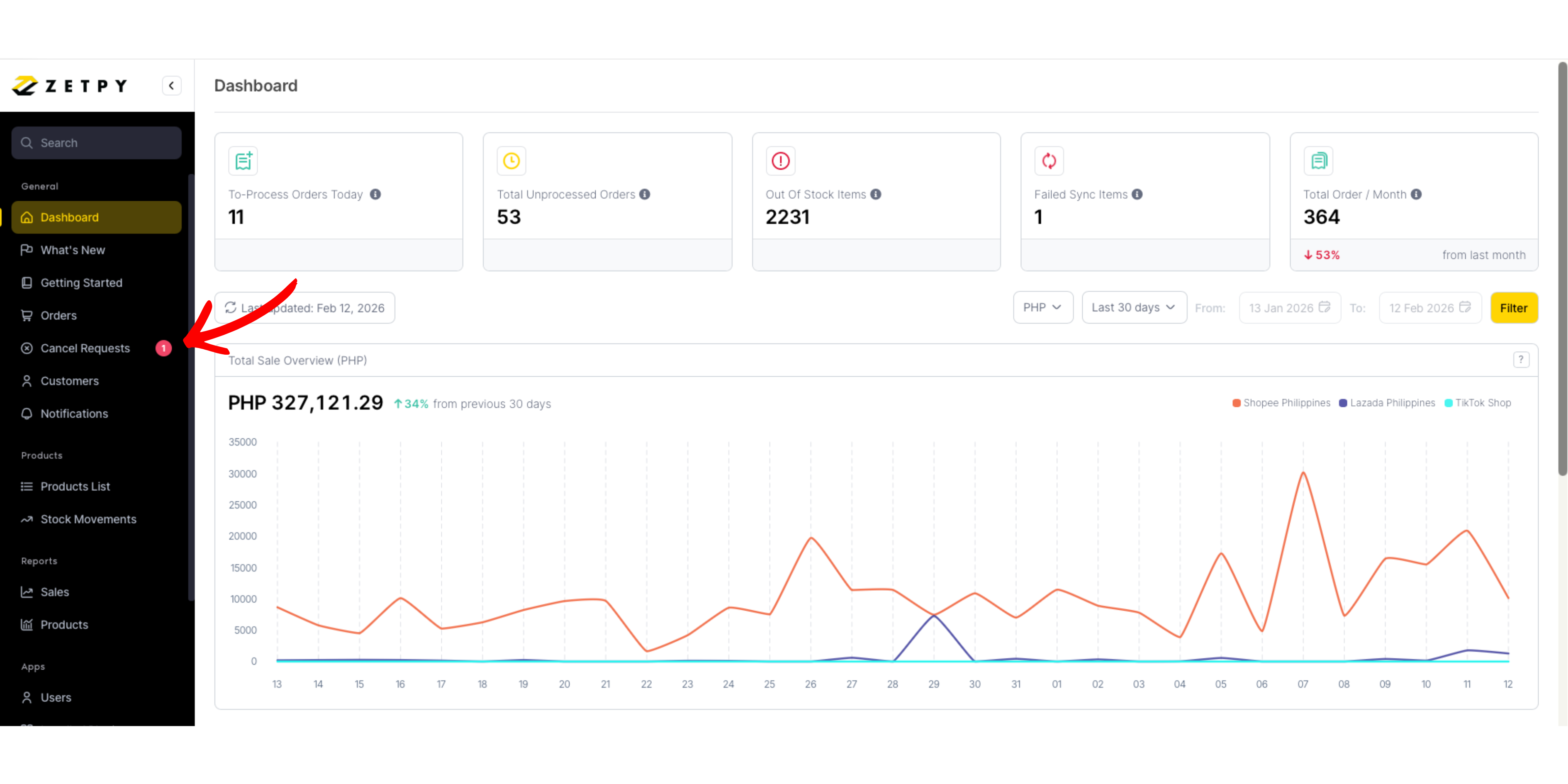
Navigate to Cancel Requests in Zetpy. (You will be able to see the notification beside the Cancel Request button in Zetpy where there are any cancellations request from your Shopee and TikTok Shop)
Step 2: Review the Cancellation Details
Select the channel tab to filter requests:
Shopee
TikTok Shop
👉 This helps you manage cancellations separately for each marketplace.
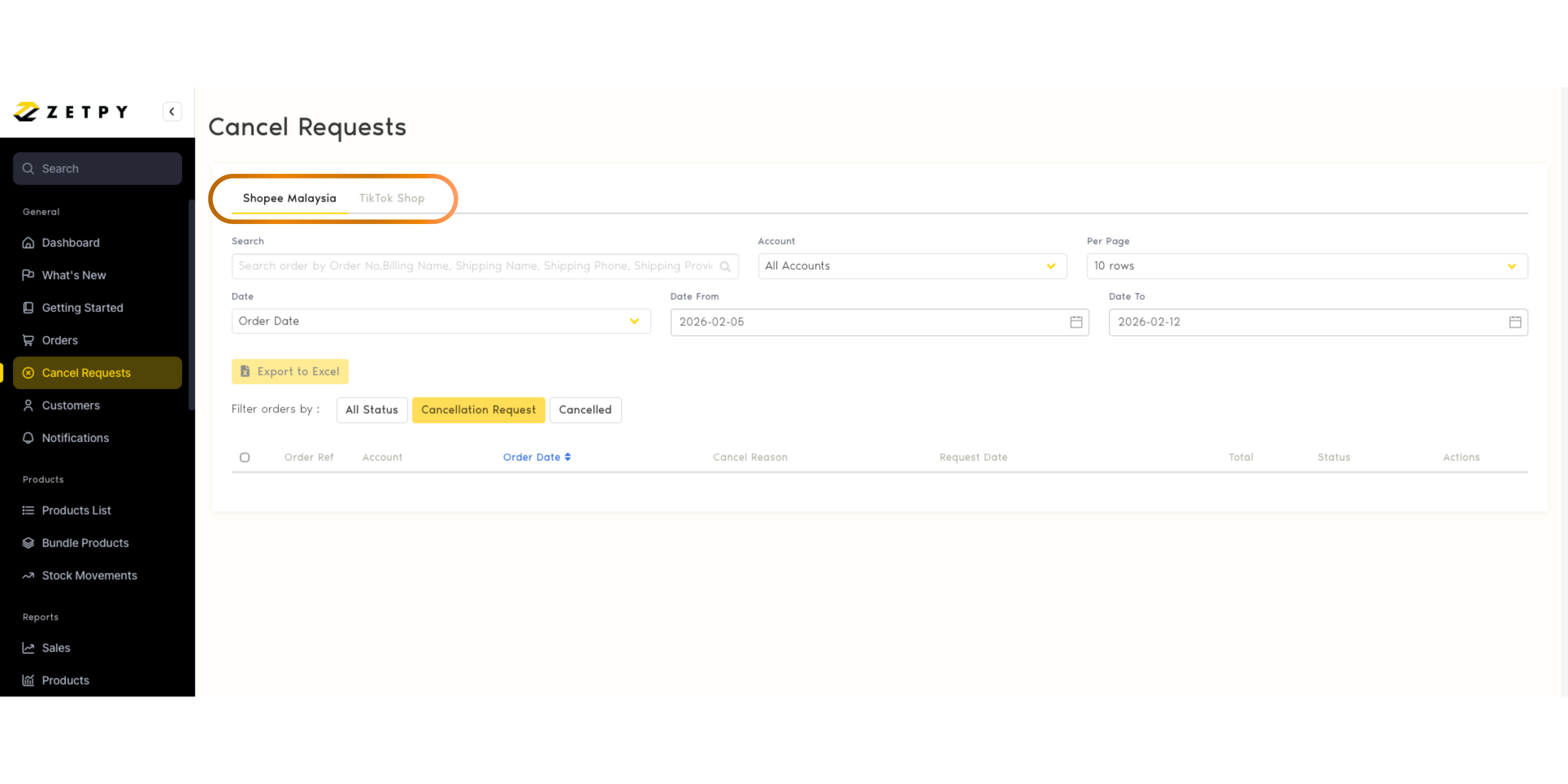
Each request will display:
Order Ref
Account
Order Date
Cancel Reason
Request Date
Order Total
Status
💡 The cancel reason is captured directly from the marketplace via API for better visibility before making your decision.
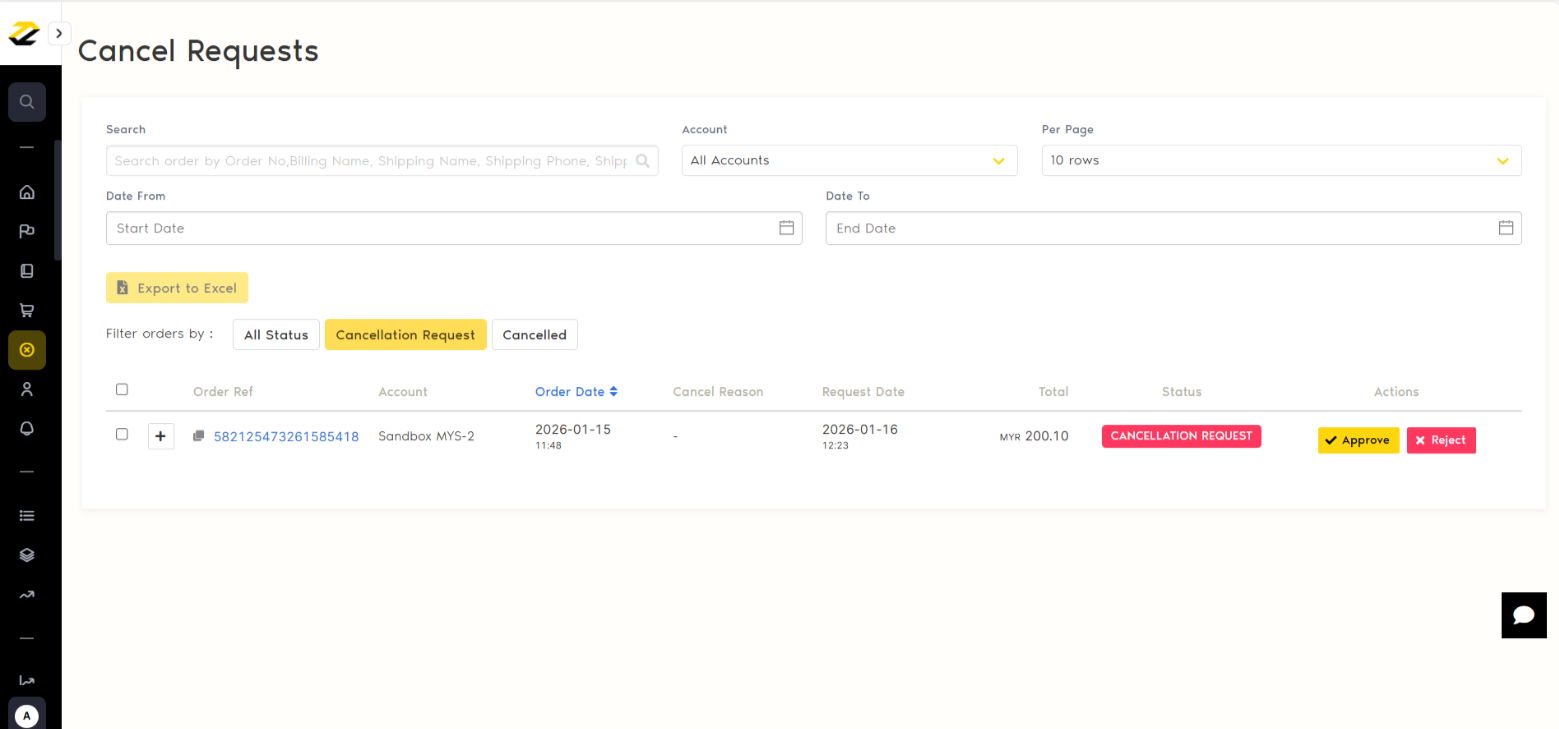
Step 3: Respond to the Cancellation Request
You have two options:
✔ Approve
The order status will automatically change to Cancelled.
The approval update will then be synced via API to the marketplace Seller Center (TikTok, Shopee).
Once you approve the Cancellation Request, the stock of those order items will be added back into Zetpy.
❌ Reject
The order will return to the Ready to Ship status.
The rejection update will then be synced via API to the marketplace Seller Center (TikTok, Shopee).
You may proceed with fulfillment as usual under the Order page.
After Approval
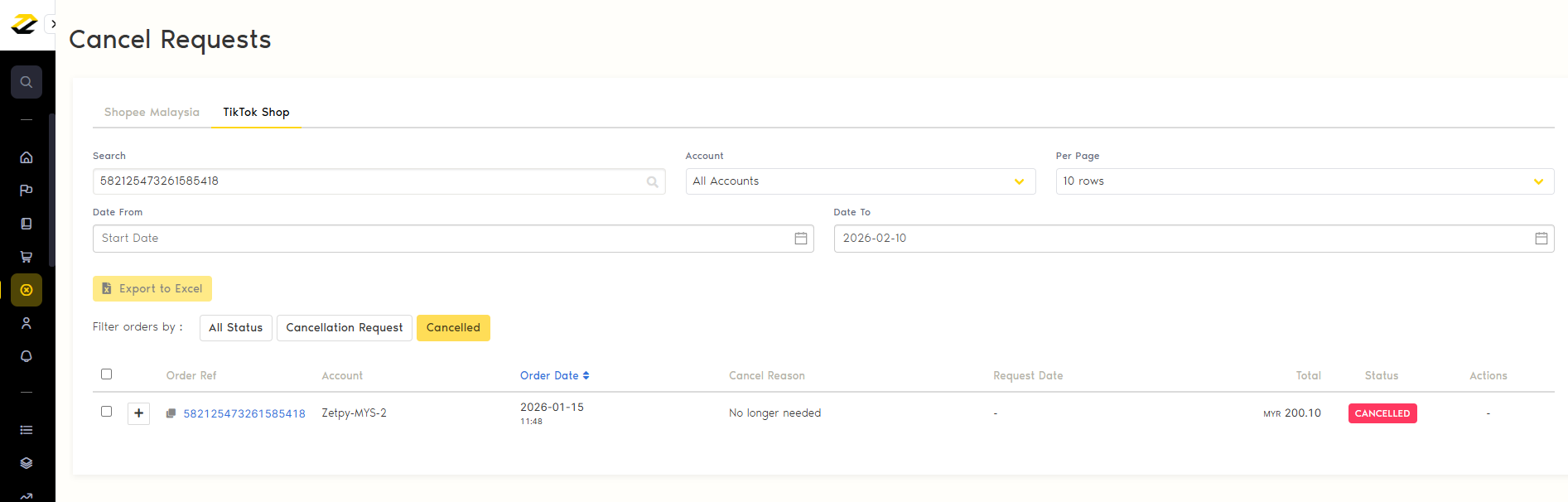
Once approved, the order moves to the Cancelled tab for tracking and reporting.